Opal is the best known screen time app on iPhone and it is genuinely good. It is also
$99.99 a year. This page sets out what it does well, the three reasons people go looking for
something else, and how Handover approaches the same problem from a different direction, with
location rules, step goals and barcode scans standing between you and the apps.
Written by the developer of Handover, a competing app. Prices checked against
Opal's own pricing page in August 2026.
01
What Opal gets right
The difference shows at the moment you want back in.
Worth saying plainly, because comparison pages that pretend the competitor is rubbish are
not useful to anyone deciding between two apps.
Opal is polished. The onboarding is smooth, the sessions and timers are pleasant to use,
and the Opal Score gives you a running read on how the week is going. It runs on iPhone,
Android and Mac, so if your problem is spread across devices it covers ground Handover does
not. Deep Focus, on the harder blocking difficulty, is a genuinely strict mode. And the
company is well funded, which shows in the polish and means it is not going to vanish.
If those things matter to you, Opal is a good buy and you can stop reading here.
Where this comes from
I build a competing app, so treat this page as an argument rather than a review. Every price
and feature claim below is taken from Opal's own pricing page, dated August 2026.
02
Why people go looking for an alternative
The price. Opal Pro is $19.99 a month, $99.99 a year, or $399 once. For a tool most
people use two or three rules of, that is a lot, and it recurs.
FIGURE 1. What each plan costs over a year, at the prices published by both apps in August 2026. Lifetime plans are excluded: $399 against $79.99, paid once.
The free tier is one rule. Unlimited rules sit behind Pro, which means the free
version is really a trial. Handover's free tier is five rules with no card, which is enough
to cover a morning, an evening and a weekend without paying anything.
Blocks you can dismiss. This is the one that actually matters, and it is not unique
to Opal. If a block can be turned off in a tap and the tap costs nothing, it stops working
within about a week. Opal's answer is a harder difficulty setting that removes the exit.
Handover's answer is the opposite: keep the exit, and price it.
Opal Pro
Handover Plus
Monthly
$19.99
$3.99
Yearly
$99.99
$29.99
Lifetime
$399
$79.99
Free tier
1 rule
5 rules, no card
Platforms
iPhone, Android, Mac
iPhone
Family
Teams plan, on request
$49.99 a year for six
Blocking by location
Not offered
Yes, 100 to 1,000 m radius
Step goal to unlock
Not offered
Yes
Barcode scan to unlock
Not offered
Yes
Repetitions to unlock
Not offered
Yes, counted by the phone's sensors
Read the yearly line
Both apps push the yearly plan, so that is the fair comparison: $99.99 against $29.99. The
monthly bars above are what you pay if you never switch.
03
The actual difference, which is not the price
Most blockers, Opal included, are built on the idea that the block should be hard to
remove. Push that far enough and you get a lockout, and lockouts get deleted, because nobody
tolerates being locked out of their own phone on the evening they genuinely need the thing
they blocked.
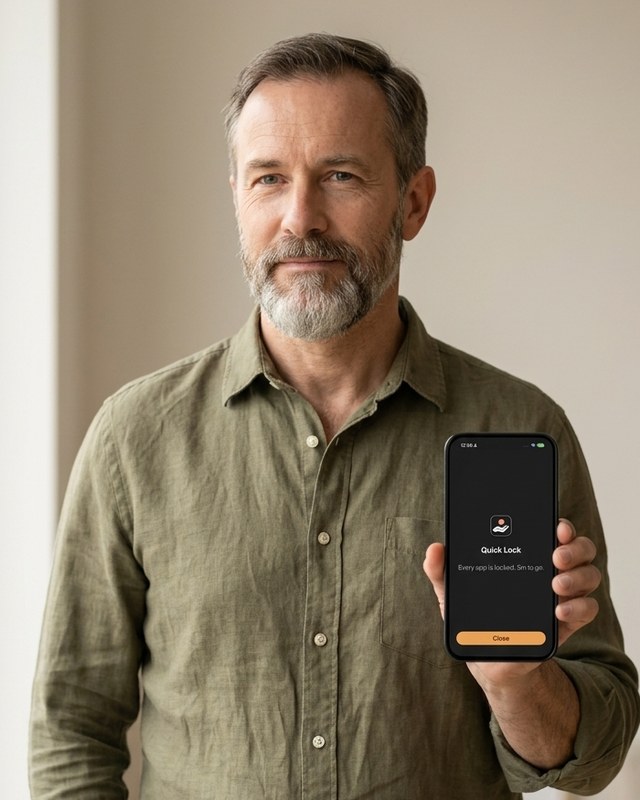
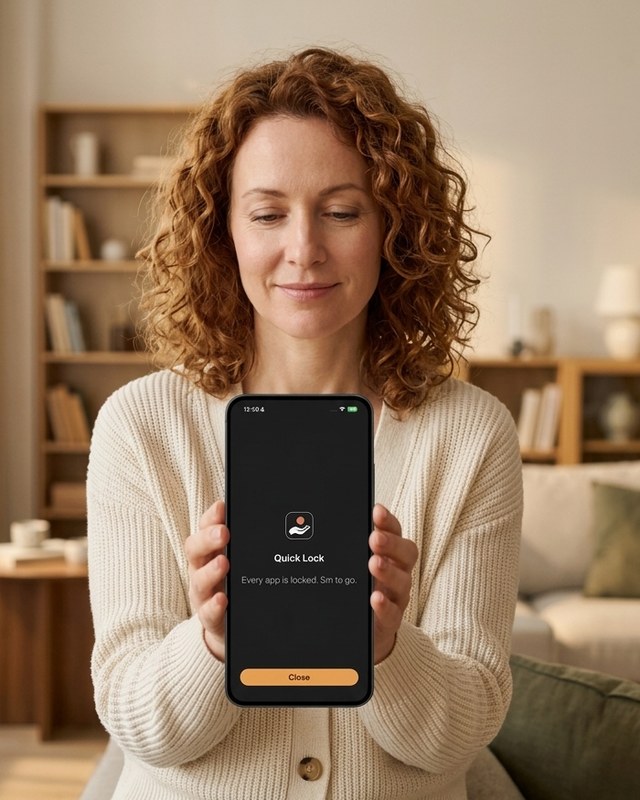
Quick Lock shuts everything at once.
Handover assumes you will want back in, and charges you for it. Every rule keeps an exit,
and every exit has a price: repetitions counted by the phone's own motion sensors, a step
goal that cannot be completed sitting down, or a barcode you deliberately left in another
room. Break Glass opens one rule after a five minute wait and takes five minutes off your
streak. The Emergency Coupon opens everything for an hour and costs twelve days.
The streak is the currency, which is why the price bites. It is not a wall you resent, it
is a bill you decide whether to pay, and most evenings you decide it is not worth it.
The rules themselves also attach differently. Alongside schedules and timed sessions,
a Handover rule can be tied to a place: apps shut inside a radius you draw on a map, between
100 and 1,000 metres. Arriving is the trigger, so it needs no decision from you at all.
Three things Opal does not do
GeoIP blocking. A rule pinned to a location. Draw a circle around the office, the
lecture theatre, the gym or your own kitchen, and the listed apps stay shut while you are
inside it. Step outside and they work normally.
Step blocking. The way back in is a step goal, walked before the apps open. It
cannot be completed sitting on the sofa, which is the entire point.
Barcode blocking. The unlock needs a specific barcode scanned, and you choose which
one and where it lives. Leave it in the kitchen, or in the garage, and reaching for Instagram
in bed means getting up.
None of these are gimmicks. They work because each one moves the cost of the unlock out of
your willpower and into the physical world, at the moment your judgement is worst.
The test
Does it still work on the evening you do not feel like it? A free dismissal fails that test.
A priced one survives it.
04
When you should stay with Opal
You need Android or Mac. Handover is iPhone only, and will be for a while. Opal
covers all three.
You want the analytics. The Opal Score and its history are the best part of the app
and Handover has nothing equivalent. Handover shows you your streak and the blocks it held,
not a weekly analysis.
You want a total lockout. If what works for you is a block with no exit at all,
Opal's harder difficulty does that and Handover deliberately does not.
You are already paying and it is working. Then it is working. Do not switch tools
for the sake of it, that is its own form of procrastination.
Also worth trying
one sec, at about $19 a year, adds a breathing pause before an app opens and is the cheapest
thing that reliably interrupts the reach. ScreenZen is free. Neither is a competitor I mind
recommending.
05
Common questions
Is there a free alternative to Opal?
Handover's free tier is five rules with no card. ScreenZen is free and donation supported.
Apple's own Screen Time is free, and worth trying first, but its limits are dismissible in a
tap, which is why most people end up looking for something else.
Can I import my Opal rules?
No. Neither app can read the other's setup, and iOS gives no mechanism for it. Rebuilding
two or three rules takes about five minutes.
Does Handover work if I delete the app?
Deleting removes the rules, the same as with any blocker, because iOS lets you delete
anything. What survives is the account: your streak, credits and invite code come back when
you reinstall, so deleting is not a clean escape from the cost.
Where can I read the evidence?
The screen addiction page sets out the prevalence figures
and what problematic use is associated with, every number sourced. The
how to stop scrolling page covers what works before you
pay for anything.
Is the blocking as strong?
The enforcement is identical. Both apps use Apple's Screen Time framework, so blocks hold
with the app closed and after a restart. The difference is not strength, it is what happens
when you want back in.
Prices change
Figures here were taken from Opal's pricing page in August 2026. Check both App Store
listings before deciding, and note that Apple's regional pricing shifts the numbers.
Five rules, no card
If the subscription is what is bothering you, start on the free tier and see whether the
priced-exit idea holds for a fortnight before spending anything. Plus is $29.99 a year or
$79.99 once, and there is no card required to try it.
Free tier: five rules, no card required Privacy: no screen time data leaves the device Requires: iOS 16.1 or later